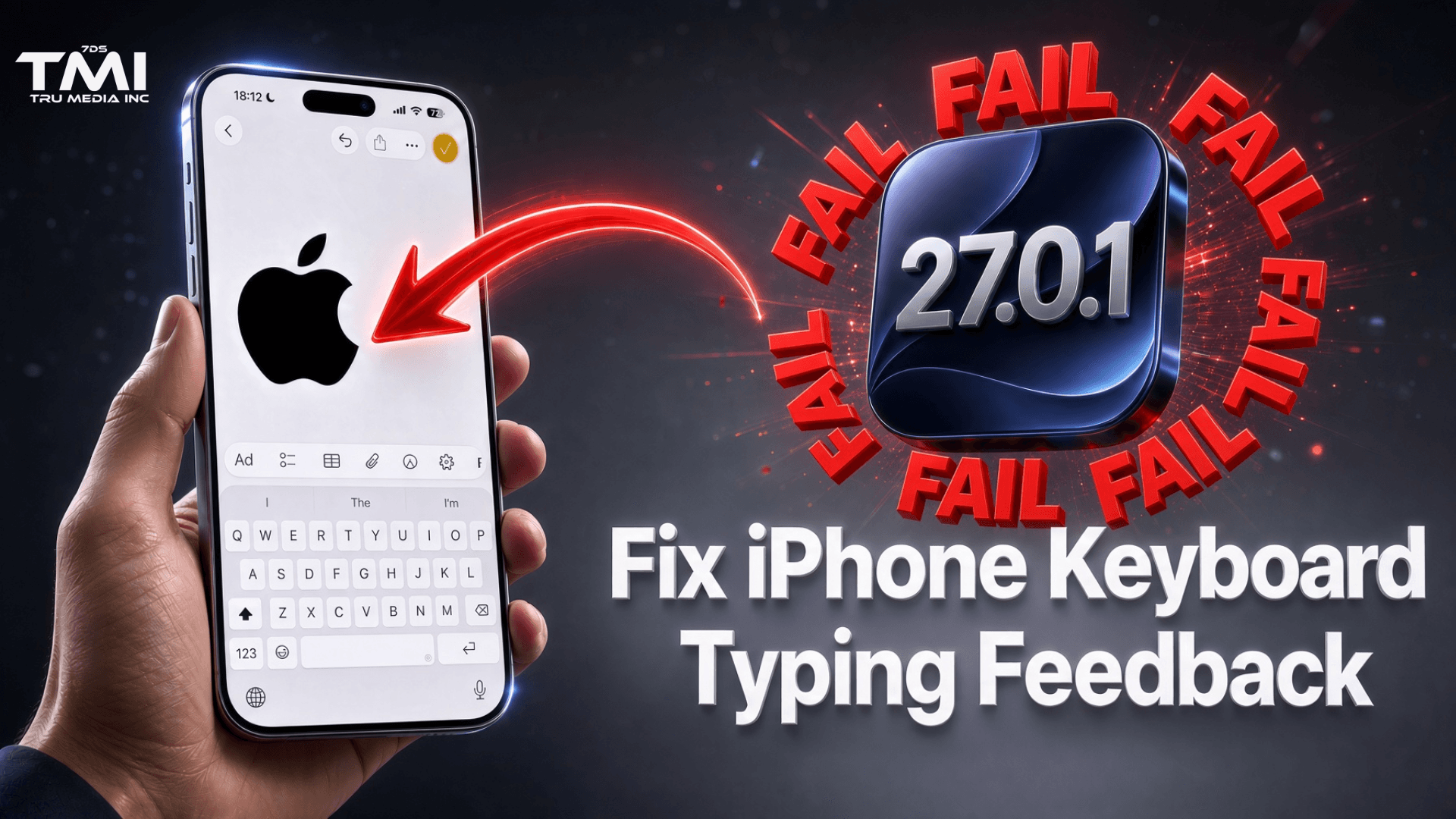
iPhone Users Report Typing Feedback Suddenly Activating After iOS Updates — Official Instructions Often Point to Missing Menu
Several iPhone users have reported that their devices began reading words or characters aloud as they type after installing recent iOS updates (including versions around 26.0.1, up to 27.01).
In Apple Community threads, people described the behavior starting immediately after updating and stated they had never enabled the feature themselves.
The setting responsible is Typing Feedback, an accessibility option that can speak characters, whole words, auto-corrections, and predictive text suggestions.
On older iOS versions it lived under Settings > Accessibility > Spoken Content > Typing Feedback.
On current software the menu structure changed, and many users can no longer find “Spoken Content” at all.
Apple’s own support cards and Siri suggestions still frequently direct people to the outdated “Spoken Content” path.
That mismatch has left some users unable to locate the toggle even after following the official steps shown on their phone.
Current reliable way to turn it off:
- Open Settings.
- Use the search bar at the top and type Typing Feedback.
- Turn off Speak Words, Characters, Character Hints, Speak Auto-text, and Hold to Speak Predictions.
Manual location on recent iOS: Settings > Accessibility > Keyboards & Typing > Typing Feedback (On some versions it may appear under Read & Speak instead.)
There is no official Apple statement confirming a widespread bug that automatically enables Typing Feedback for everyone.
However, multiple independent user reports of the feature appearing right after an update — combined with outdated guidance that points to a menu that no longer exists — have created confusion for people who just want the read-back to stop.
If the phone is reading the entire screen and navigation feels different (single-tap selects, double-tap activates), also check Settings > Accessibility > VoiceOver and turn that off.
The quickest fix for most people right now is the Settings search for “Typing Feedback.”