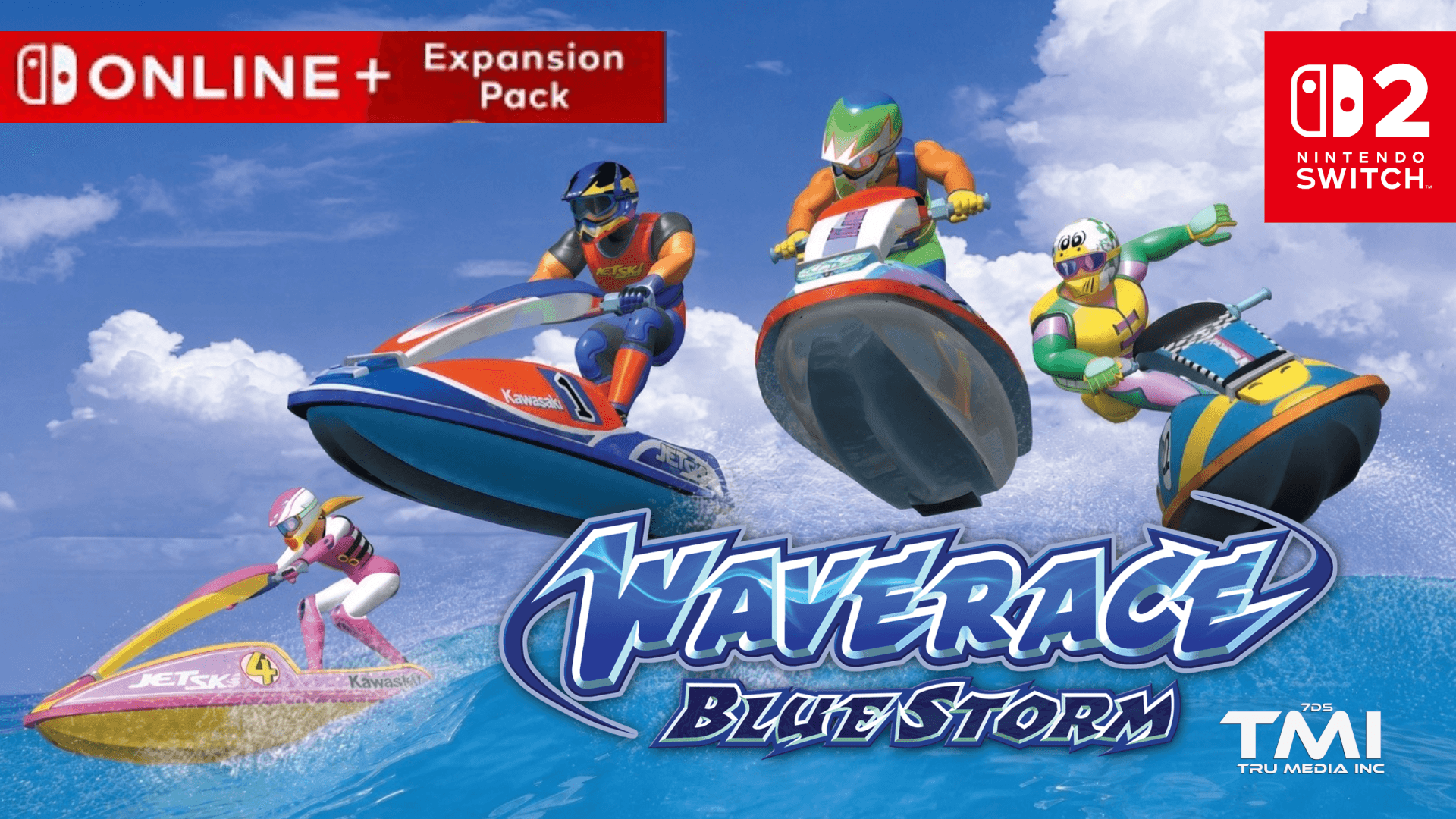
Wave Race: Blue Storm is now on Switch 2 via Nintendo Switch Online + Expansion Pack, and the GameCube Classics app finally lets you turn off the border graphics.
Wave Race: Blue Storm
• Added on November 23, 2026 as the 12th GameCube title in the Nintendo Classics library.
• It’s a 2001 GameCube launch title (developed by Nintendo Software Technology) and the direct sequel to Wave Race 64.
• First time the game has been re-released in roughly 25 years.
What to expect:
• High-speed jet ski racing with dynamic water physics and weather that changes mid-race (calm skies can turn into storms that affect visibility, water level, and wave height).
• Hit red/yellow buoys to build your turbo meter for speed boosts.
• Multiple characters, courses with shortcuts, tricks, and local multiplayer (up to 4 players originally).
• Some sources note the Switch 2 version adds online multiplayer (the original only had local).
You need a Nintendo Switch 2 and an active Nintendo Switch Online + Expansion Pack subscription. The GameCube app does not run on the original Switch, and the base NSO tier does not include GameCube games.
Border Graphics Toggle
This arrived with the same GameCube app update (version 2.2.0) and is the feature fans have been requesting since Nintendo Switch Online launched in 2018.
• Go to the game library → game settings → Extra Elements Display → toggle off “Border graphic”.
• This removes the decorative borders and replaces them with plain black bars around the 4:3 image.
• The player profile icon still stays on screen.
• Currently only available in the GameCube app (on Switch 2). NES, SNES, N64, and other Classics apps still force the borders.
It’s a small quality-of-life win that a lot of people have wanted for years. The same settings menu also has options for the Suspend Menu guide and switching between North American/European versions.